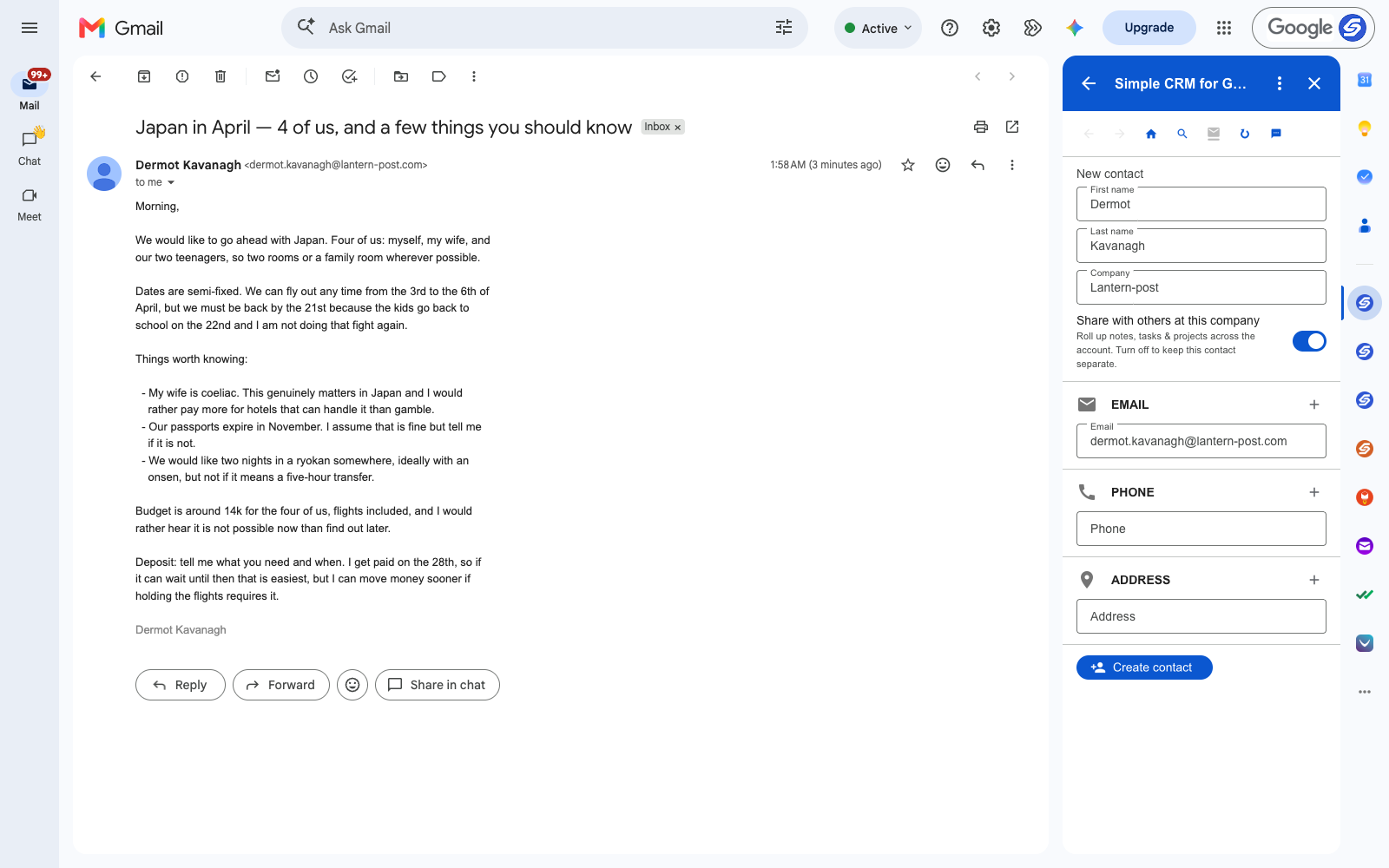
A trip enquiry is the densest email in any service business. Read the one above: four passengers, two rooms, a coeliac traveller, passports expiring in November, a hard return date set by a school term, a ryokan request with a transfer-time condition, a budget, and a deposit that depends on when the client gets paid.
Nine facts. Every one of them shapes what you book, and you will need them repeatedly over the six weeks it takes to build the itinerary.
Most agents keep this in a document, or in their head, or by scrolling back through the thread each time. All three fail the same way: the client replies with a change, and the copy you were working from quietly becomes wrong.
A Trip Is a Record With People Attached
The client emails you from one address for the length of the planning, then again for the next trip, and often for a decade. That is the shape of a CRM contact — one person, one running history, every preference attached to their name.
For travel the mapping is direct:
- Contact — the client, and each traveller who books separately
- Trip — Japan in April, from enquiry to return
- Note — dietary needs, seat preferences, what they will not tolerate
- Task — deposit due, passport check, final balance
- File — the quote, the itinerary, the insurance certificate
The Detail That Ruins the Trip If You Forget It
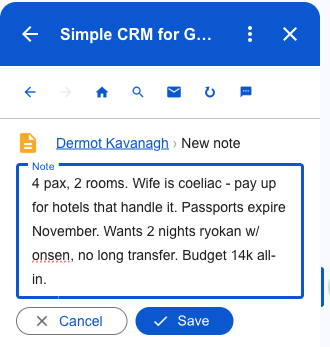
"My wife is coeliac. This genuinely matters in Japan and I would rather pay more for hotels that can handle it." That is not a preference, it is a booking constraint, and it is sitting in a bulleted list under a paragraph about dates.
As a note on the client's record it is in front of you every time you touch the trip — and again next year, when they come back and you already know before asking.
Passport Expiry Is a Task, Not a Worry
Passports expiring in November against April travel is probably fine, and "probably" is exactly the kind of thing that becomes a phone call at an airport. The deposit is the same shape: it can wait until the 28th unless holding the flights says otherwise.
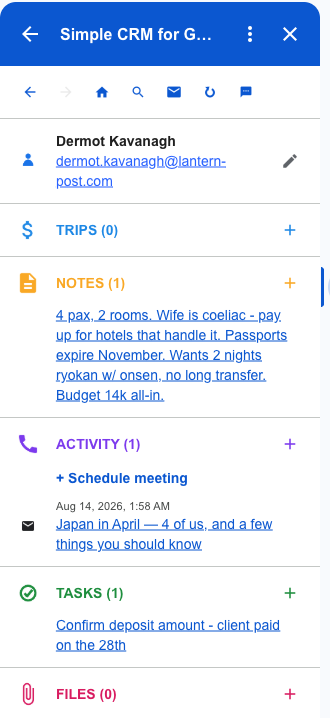
Both become tasks, written to Google Tasks, so they appear in Gmail, in Google Calendar and on your phone with a date attached rather than as an intention.
What a Trip Looks Like After Five Minutes
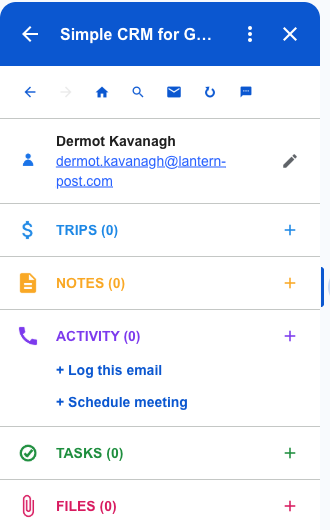
Passenger count, the dietary constraint, the passport question, the fixed return date and the deposit timing — one record, built from one email.
When the client writes back in three weeks asking whether you can add Kyoto, you are answering from the record rather than re-reading the enquiry to remember who is coming.
Itineraries and Documents, Linked Rather Than Copied
The quote, the itinerary, the insurance certificate, the visa paperwork. All needed, all revised, and all catastrophic in the wrong version.
Attach from Google Drive or straight off the email. Nothing is copied — the record links to the file, so revising the itinerary revises the one everybody is looking at.
Where the Data Lives
Contacts go to Google Contacts. Trips and notes go to Google Sheets in your Drive. Tasks go to Google Tasks. Files stay in Drive.
For an independent agent, the client history is the business — who travels with whom, who will not fly overnight, who always upgrades. That should sit in your own Google account rather than in a host agency's system you may not keep access to.
Getting Started
Install Simple CRM for Gmail from the Google Workspace Marketplace, open a client email, and press Create contact. Rename Deals to Trips in settings so the vocabulary matches how you already talk about the work.
Free for fourteen days, no card. Then $15 a month, or $149 a year.
This is one of several walkthroughs. The idea behind all of them is in why a CRM should live in your inbox — or read the real estate agents version, the consultants version.