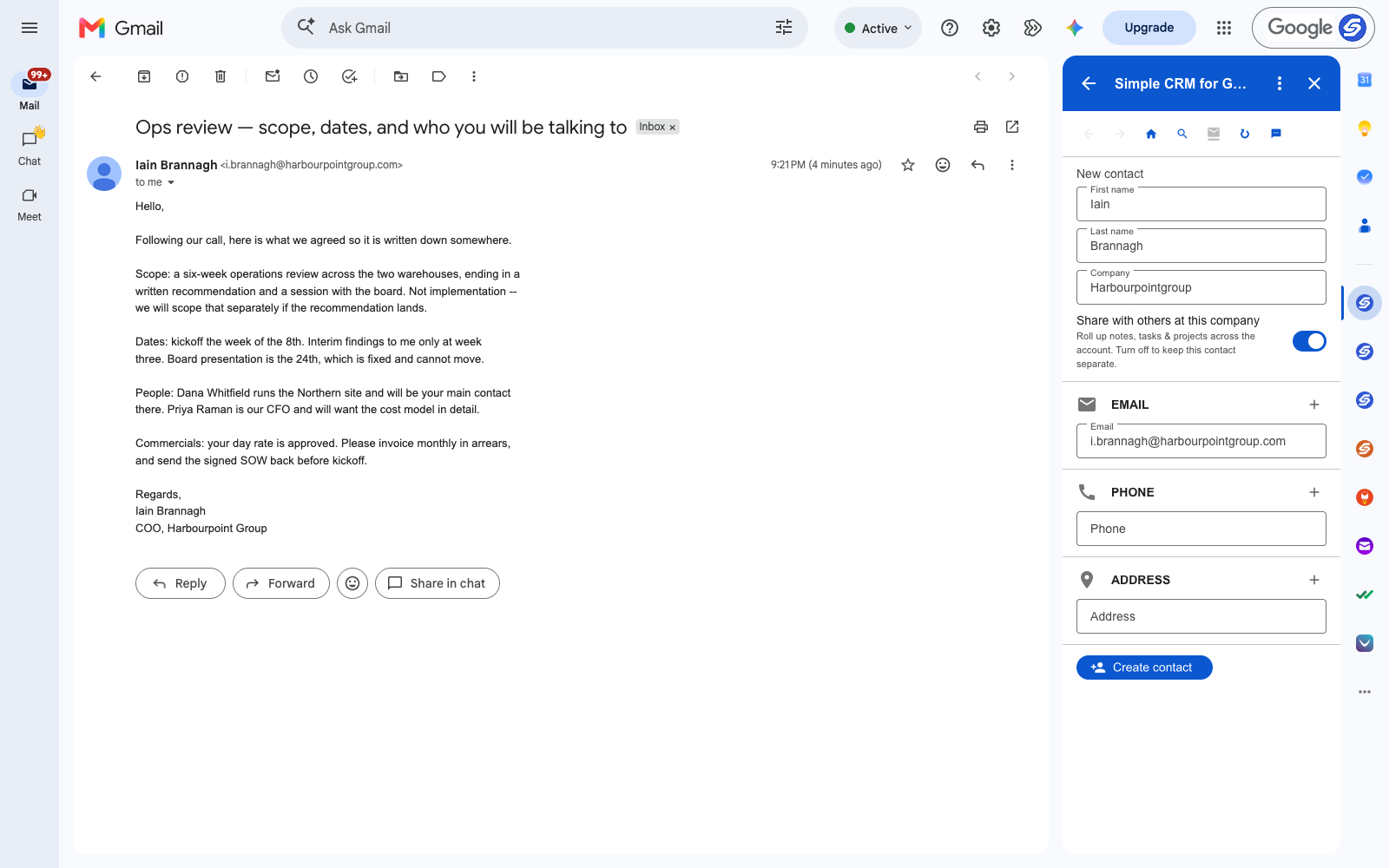
The email that starts an engagement is usually the densest one you will get. Scope, what is explicitly out of scope, a fixed board date, two stakeholders you have not met, the day rate, and how to invoice — all in nine paragraphs written once and never repeated.
You will need every line of it for the next six weeks. It will also be forty emails down by Thursday.
Most consultants solve this by making a project folder and re-typing the important parts into a document. That works right up until the client changes something in a reply, and the document quietly becomes wrong.
An Engagement Is a Record, Not a Folder
A client contact emails you from one address for the length of an engagement, and often across several. That is the shape of a CRM contact: one person, one running history, every commitment attached to their name.
For consulting the mapping is direct:
- Contact — the sponsor, plus each stakeholder as their own record
- Engagement — the review, the retainer, the implementation phase
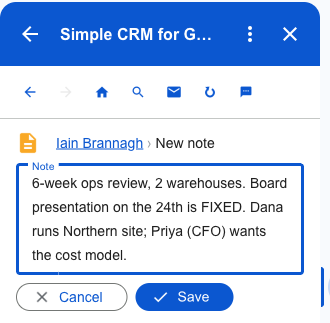
- Note — scope, what is explicitly excluded, the fixed dates
- Task — the SOW to return, the interim findings, the invoice
- File — the signed SOW, the data pack, the deck
The Sentence You Will Be Glad You Kept
"Not implementation — we will scope that separately." That single clause is the difference between a clean engagement and three weeks of unpaid work, and it is sitting in the middle of a paragraph about something else.
As a note on the record it stops being something you have to remember. So does the board date that cannot move, and the fact that the CFO wants the cost model in detail — which tells you what to prepare long before anyone asks.
Stakeholders Are Contacts Too
An engagement email usually names people you have not met. Each becomes their own contact, and every email they send afterwards lands against the right record automatically, because the CRM matches on the sender.
By week three you have a running history per stakeholder rather than one undifferentiated thread — useful when the CFO's position on the cost model turns out to matter more than the sponsor's.
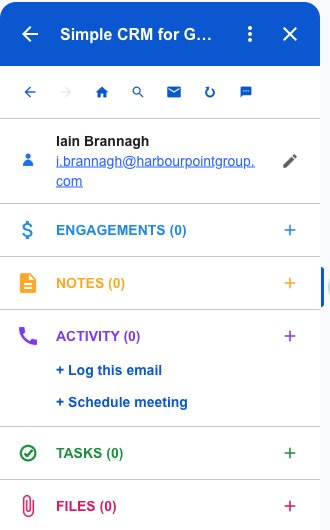
What an Engagement Looks Like After Five Minutes
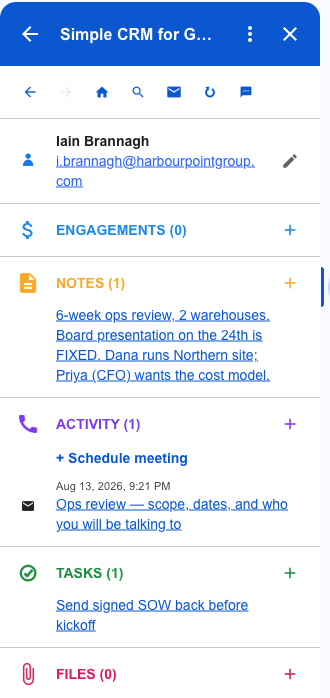
Scope, the fixed date, the stakeholder map, the deliverable and the original email — all on one record, built from a single message.
When the client asks in week five whether implementation was included, you are not reconstructing it from memory in a reply you will regret.
The Documents, Linked and Not Copied
The signed SOW is the document you need at exactly the moment a conversation gets difficult.
Attach it from Google Drive or straight off the email. Nothing is copied — the record links to the file in your Drive, so there is one signed version rather than four, and the one you open is the one that counts.
Where the Data Lives
Contacts go to Google Contacts. Engagements and notes go to Google Sheets in your Drive. Tasks go to Google Tasks. Files stay in Drive.
For an independent consultant, the client history is the business. It should not be sitting in a vendor's database on a monthly subscription, and here it never is.
Getting Started
Install Simple CRM for Gmail from the Google Workspace Marketplace, open a client email, and press Create contact. Rename Deals to Engagements in settings and the vocabulary matches how you already talk about the work.
Free for fourteen days, no card. Then $15 a month, or $149 a year.
This is one of several walkthroughs. The idea behind all of them is in why a CRM should live in your inbox — or read the freelancers version, the contractors version.