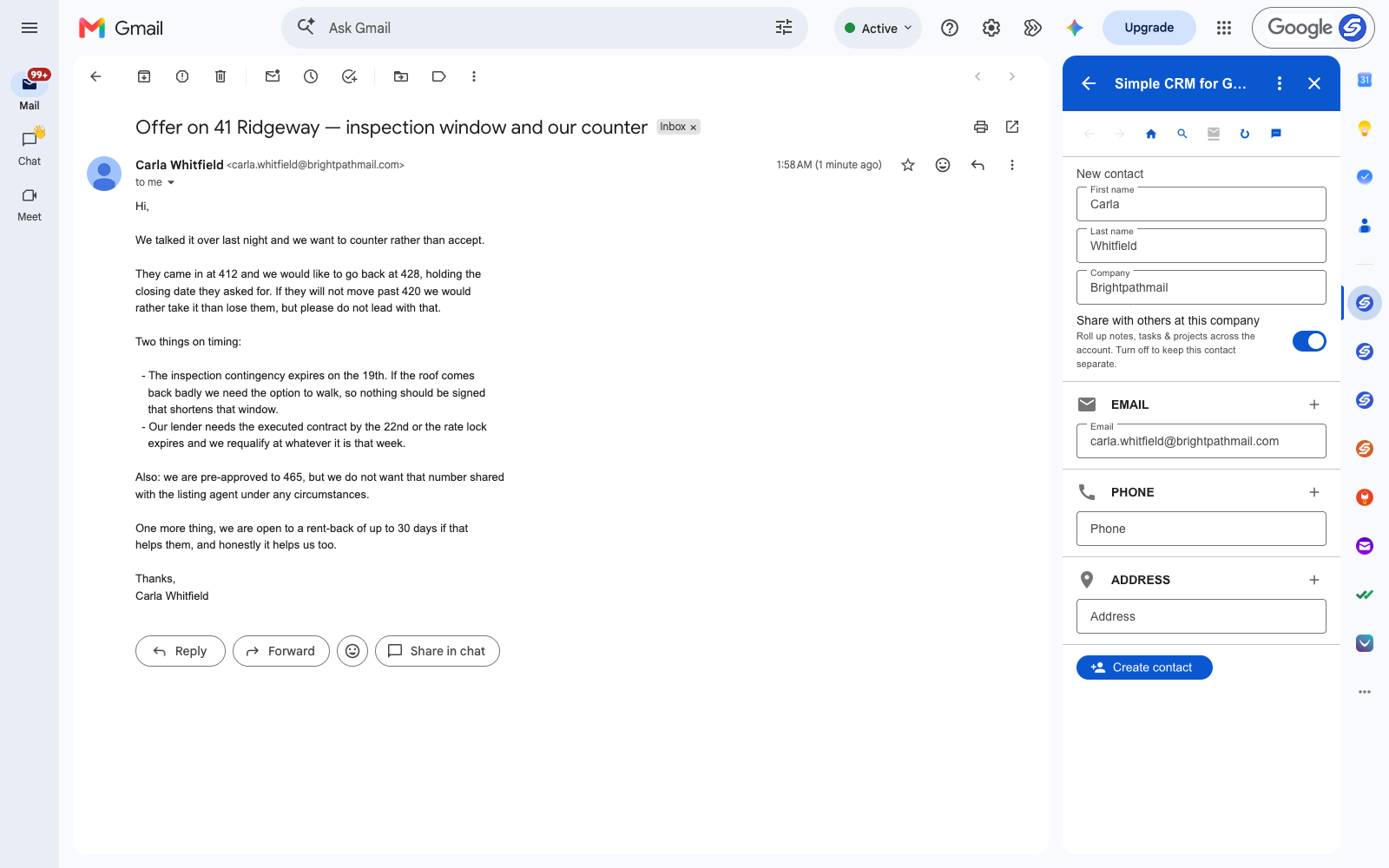
Read the email at the top of this page the way an agent reads it. There are six things in it, and four of them will lose you the deal if you forget them.
The counter is 428. The real floor is 420, and you must not lead with it. The inspection contingency dies on the 19th. The rate lock dies on the 22nd. They are pre-approved to 465 and that number must never reach the listing agent. They will do a rent-back.
You will hold all of that in your head for about nine hours. Then another client emails and it is gone, sitting in a thread you will scroll past forty times.
A Client Is a Record, Not a Thread
A buyer or seller emails you from one address for the length of a transaction, and often returns years later. That is the shape of a CRM contact: one person, one running history, every instruction attached to their name.
For a transaction the mapping is direct:
- Contact — the buyer, the seller, the co-op agent, the lender
- Transaction — 41 Ridgeway, from offer to close
- Note — the walk-away number, what they will and will not concede
- Task — contingency expiry, rate lock, closing date
- File — the contract, the disclosure, the inspection report
The Number You Must Not Say Out Loud
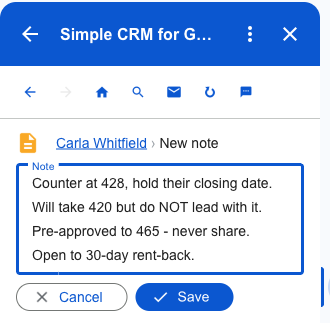
"We would rather take 420 than lose them, but do not lead with that" and "we are pre-approved to 465, do not share it" are the two most consequential sentences in the message, and both are conditional instructions rather than facts.
Written as a note on the client's record, they are in front of you the moment that client emails again — including the day the other agent calls and asks, conversationally, how high your buyer can go.
Two Dates That End the Deal
The inspection contingency expires on the 19th. The rate lock expires on the 22nd. Neither is negotiable and neither is in your calendar, because they arrived as prose in the middle of a paragraph about a counter-offer.
As tasks they land in Google Tasks, which means Gmail's sidebar, Google Calendar and the phone you actually run the day from — not a portal you open at the desk you are rarely at.
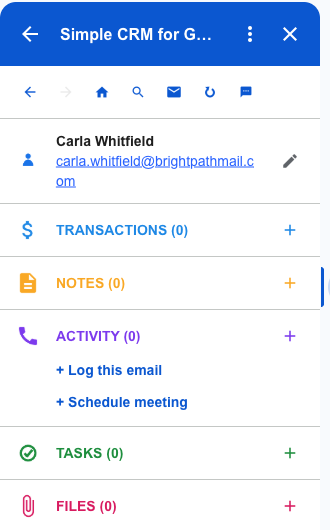
What a Transaction Looks Like After Five Minutes
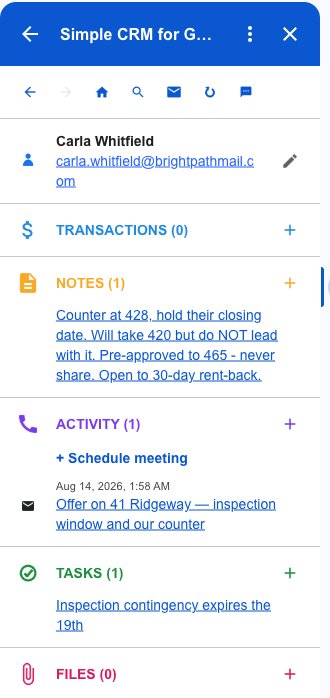
The counter, the floor, the confidential pre-approval, the two deadlines and the original email — one record, built from one message, without opening another tab.
Run six transactions at once and the difference is between knowing where each one stands and re-reading email to find out.
Disclosures and Contracts, Linked Rather Than Copied
The executed contract, the inspection report, the disclosures. You need the current version, and in this job the wrong version is a real problem.
Attach from Google Drive or straight off the email. Nothing is copied — the record links to the file in your Drive, so there is one executed contract rather than four, and revising it revises it everywhere.
Why Not a Real Estate CRM
You may already pay for one. Follow Up Boss, kvCORE and the rest are genuinely good at drip campaigns and lead routing, and if you are running paid lead flow at volume they earn their money.
This is for the agent whose leads come from referrals and past clients, who does not need a dialler, and who found that the last CRM died because updating it meant leaving the inbox where the work actually happened. Your contacts stay in Google Contacts, transactions and notes in Google Sheets in your Drive, tasks in Google Tasks, files in Drive. There is no database of ours holding your client list, and no export to fight over if you leave.
Getting Started
Install Simple CRM for Gmail from the Google Workspace Marketplace, open a client email, and press Create contact. Rename Deals to Transactions in settings so the vocabulary matches how you already talk about the work.
Free for fourteen days, no card. Then $15 a month, or $149 a year.
This is one of several walkthroughs. The idea behind all of them is in why a CRM should live in your inbox — or read the travel agents version, the contractors version.