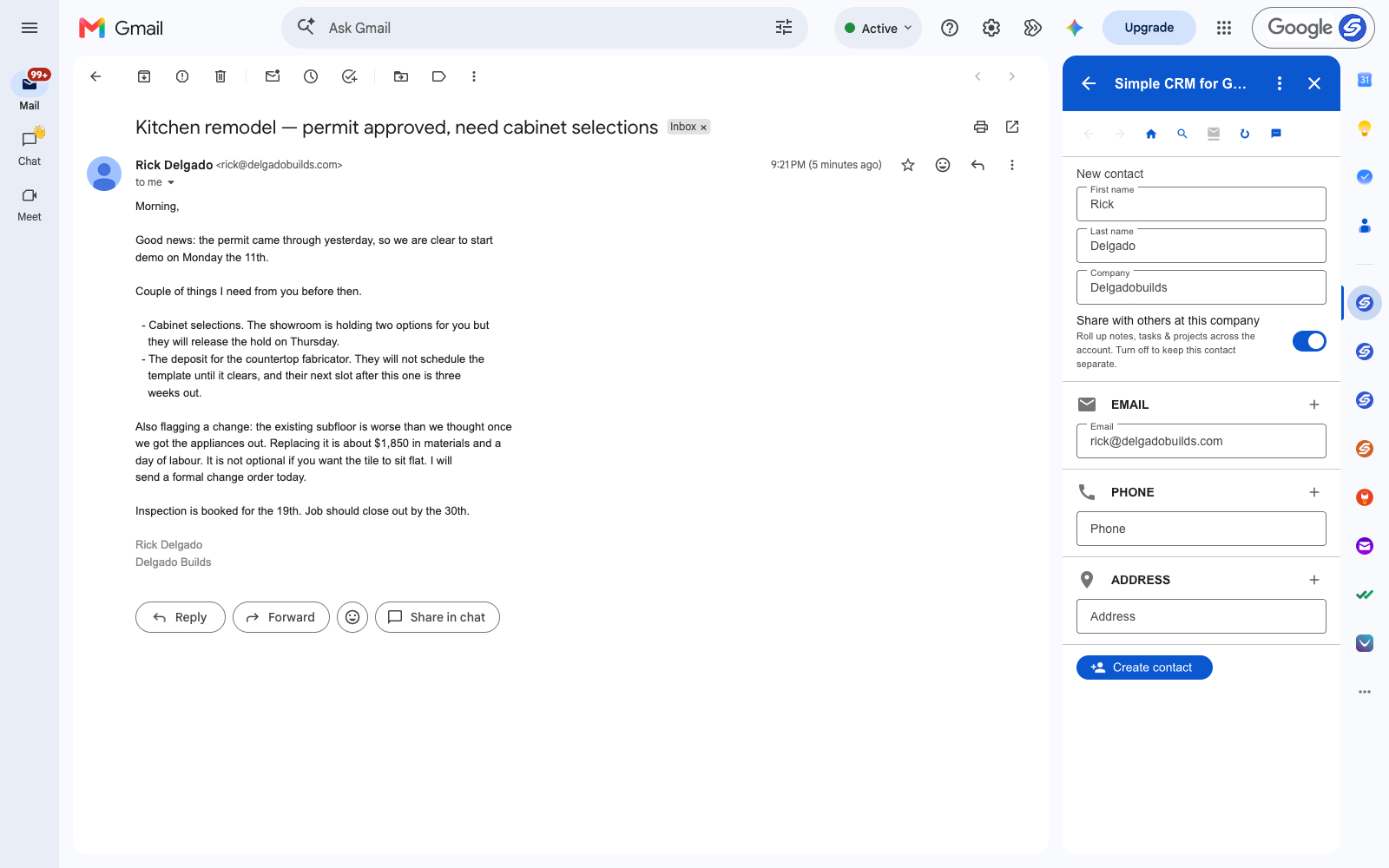
A remodel generates a permit approval, a demo date, two selection deadlines, a deposit that gates the schedule, a change order, an inspection date and a closeout — and most of it arrives by email, from several directions, over a couple of months.
Miss the cabinet selection and the showroom releases the hold. Miss the fabricator deposit and you lose a slot you cannot get back for three weeks. Neither of those is a big decision. They are small ones with expensive tails.
Job-management software exists and it is good, but it assumes you will run the job inside it. Most small builders run the job from a phone and an inbox.
A Job Is a Record With a Client Attached
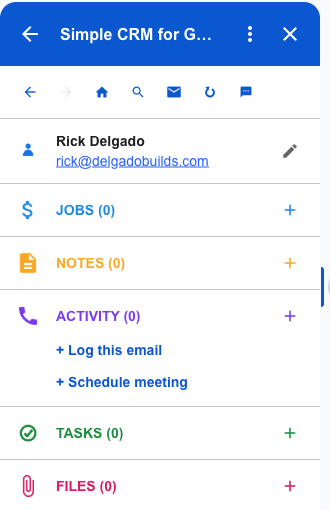
The homeowner emails you from one address for the length of the job. Subs and suppliers email from theirs. That is the shape of a CRM: one contact each, one running history, everything attached to the name it came from.
The mapping for a build is direct:
- Contact — the homeowner, the sub, the supplier, the inspector
- Job — the kitchen, the addition, the bathroom
- Note — permit status, what changed on site, what you told them it would cost
- Task — selections due, deposit due, inspection booked
- File — the permit, the change order, the plans
The Change Order Conversation, Written Down
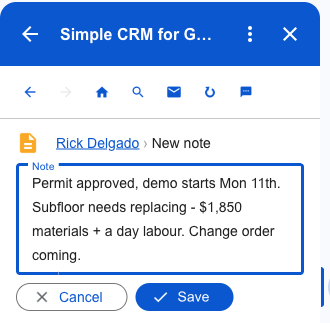
The subfloor is worse than anyone thought. It is $1,850 and a day, it is not optional, and you told them on a Tuesday in an email they read on their phone.
Six weeks later, when the final invoice arrives and they do not remember agreeing to it, the difference between a short conversation and a bad one is whether it is written down with a date. On the record it is. In a thread, it is technically there and practically gone.
The Deadlines That Gate the Schedule
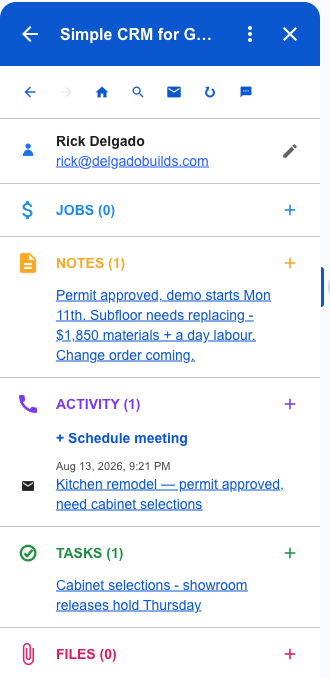
"The showroom releases the hold on Thursday" is not a preference. It is a date that moves your whole schedule if it passes, and it arrived inside a paragraph about a permit.
As a task it lands in Google Tasks — visible in Gmail, in Google Calendar and on the phone you actually carry on site, rather than in an app you open at the desk you rarely sit at.
What a Job Looks Like After Five Minutes
Permit, demo date, the subfloor change, the selection deadline and the original email — one record, built from one message, in about the time it takes to read it.
Run five jobs at once and this is the difference between knowing where each one stands and phoning someone to ask.
Permits and Plans, Linked and Not Copied
The permit, the signed change order, the plan set. You need them on site, and you need the current version.
Attach from Google Drive or straight off the email. Nothing is copied — the record links to the file, so there is one plan set and revising it revises it everywhere. That matters more on a build than anywhere else: the wrong revision is a wall in the wrong place.
Where the Data Lives
Contacts go to Google Contacts. Jobs and notes go to Google Sheets in your Drive. Tasks go to Google Tasks. Files stay in Drive.
Your client list and your job history are the two things a small builder cannot afford to lose. Here they sit in your own Google account, in ordinary formats, whether or not you keep paying us.
Getting Started
Install Simple CRM for Gmail from the Google Workspace Marketplace, open a client email, and press Create contact. Rename Deals to Jobs in settings and the vocabulary matches how you already talk about the work.
Free for fourteen days, no card. Then $15 a month, or $149 a year.
This is one of several walkthroughs. The idea behind all of them is in why a CRM should live in your inbox — or read the consultants version, the freelancers version.