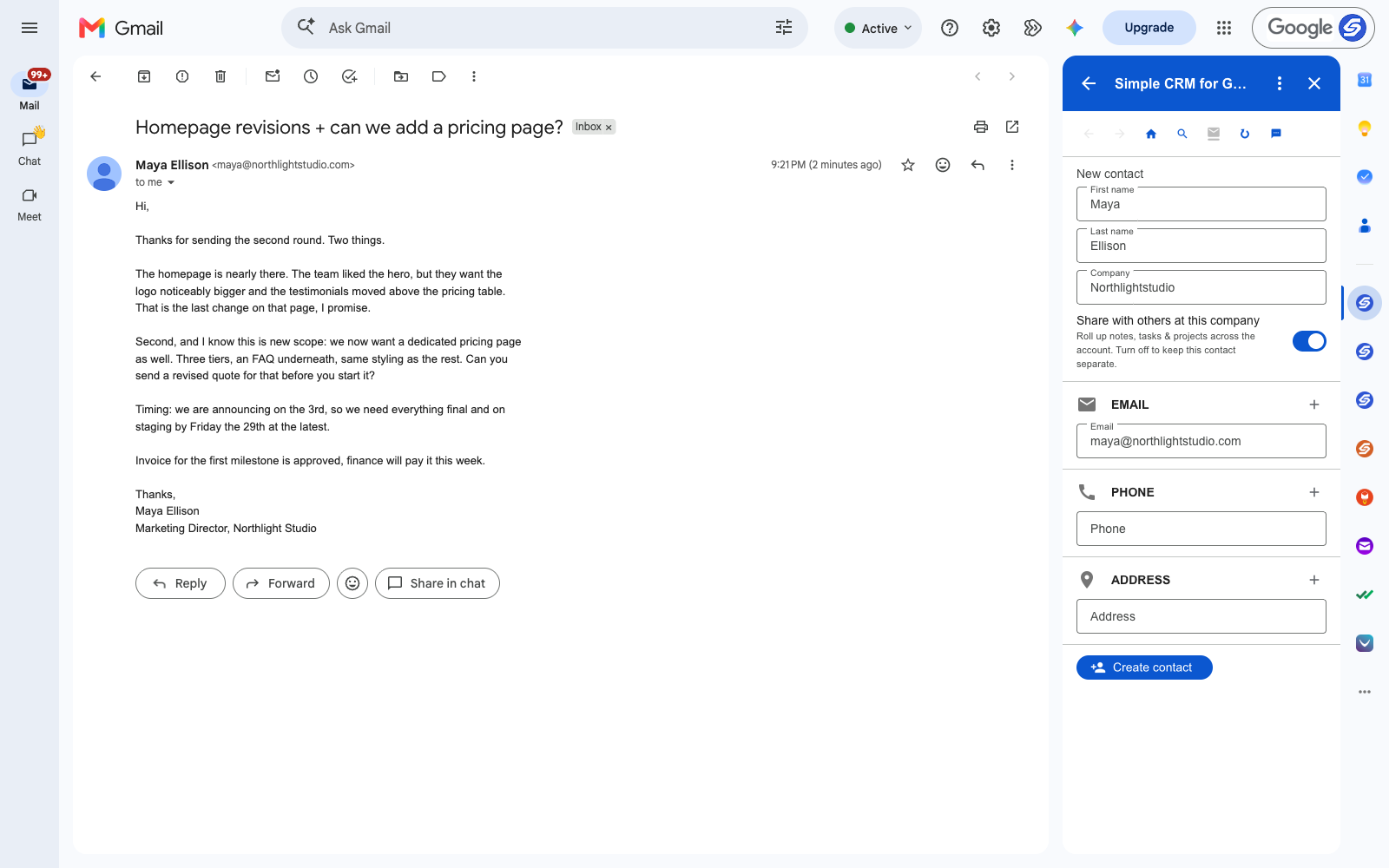
Every freelancer has had this email. The client likes the work, asks for two small changes, and then — in the same paragraph, in the same friendly tone — adds something that was never in the quote.
You read it, you think I should price that separately, and you carry on with your day. Three weeks later you are building a pricing page you never charged for, because the sentence that changed the deal was the fourth sentence of an email about something else.
This is not a discipline problem. It is that the record of what you agreed lives in a thread, and the place you track work is somewhere else entirely.
The Client Is Already a Contact Record
A client emails you from one address for the length of a project — often for years, across several projects. That is the shape of a CRM contact: one person, one running history, every decision they made attached to their name.
The mapping for freelance work is direct:
- Contact — the client, or the person at the client who actually approves things
- Project — the site, the app, the retainer
- Note — what was approved, what was rejected, and what was added
- Task — the revised quote, the invoice, the deadline
- File — the brief, the contract, the signed estimate
Catching Scope Creep at the Moment It Arrives
Take the email above. Three things are in it: two revisions, one piece of new scope, and a fixed launch date. The revisions are work you already sold. The pricing page is not.
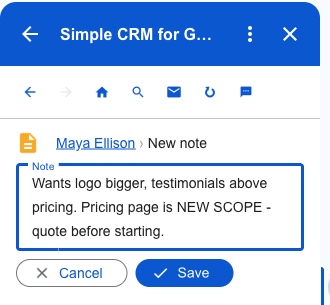
Written as a note against the client, the distinction survives past the end of the week. When they ask in March why the invoice is higher than the quote, the answer is on the record with a date on it — not in your memory, and not in a thread you would have to go and find.
The Follow-Up That Is Actually Money
"Send a revised quote before you start it" is a task worth several hundred pounds. It is also the kind of thing that gets remembered on Sunday night and forgotten by Monday lunchtime.
Because tasks are written to Google Tasks, it shows up in Gmail's sidebar, in Google Calendar and on your phone, next to everything else you already track — rather than in a project tool you open twice a week.
What One Client Looks Like After Five Minutes
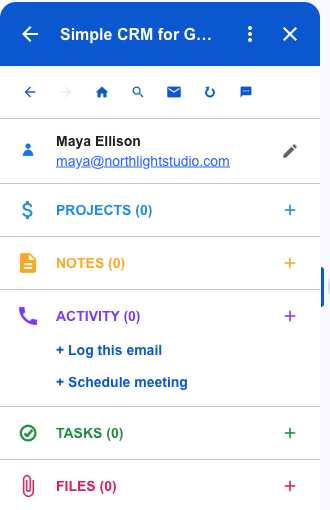
The record now holds the approval, the new scope, the deadline and the original email. Next time this client writes, all of it is on screen before you have finished reading their first line.
Do that for eight clients and you have replaced the thing you were actually doing, which was searching your inbox for what you agreed and hoping you remembered right.
The Files You Need in Month Six
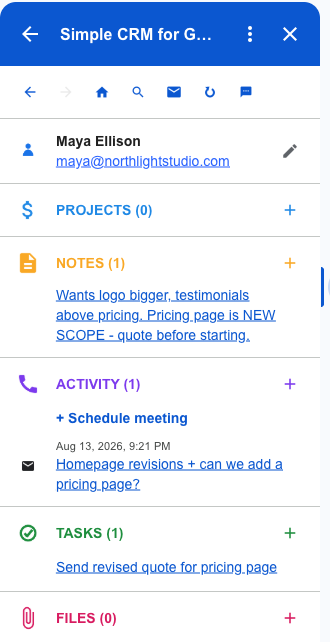
The brief, the signed estimate, the brand guidelines. You need all three long after the thread they arrived in has been buried.
Attach them from Google Drive, or straight off the email you are reading. Nothing is copied — the record links to the file in your Drive, so there is one version of the contract, and updating it updates it everywhere.
Where the Data Lives
Contacts go to Google Contacts. Projects and notes go to Google Sheets in your Drive. Tasks go to Google Tasks. Files stay in Drive. There is no database of ours holding your client list.
For freelancers that is not an abstract principle. If you stop paying, you keep the contacts, the notes and the history — because they were never anywhere else.
Getting Started
Install Simple CRM for Gmail from the Google Workspace Marketplace, open a client email, and press Create contact. Rename Deals to Projects in settings and the vocabulary matches how you already talk about the work.
Free for fourteen days, no card. Then $15 a month, or $149 a year.
This is one of several walkthroughs. The idea behind all of them is in why a CRM should live in your inbox — or read the consultants version, the contractors version.